Output result
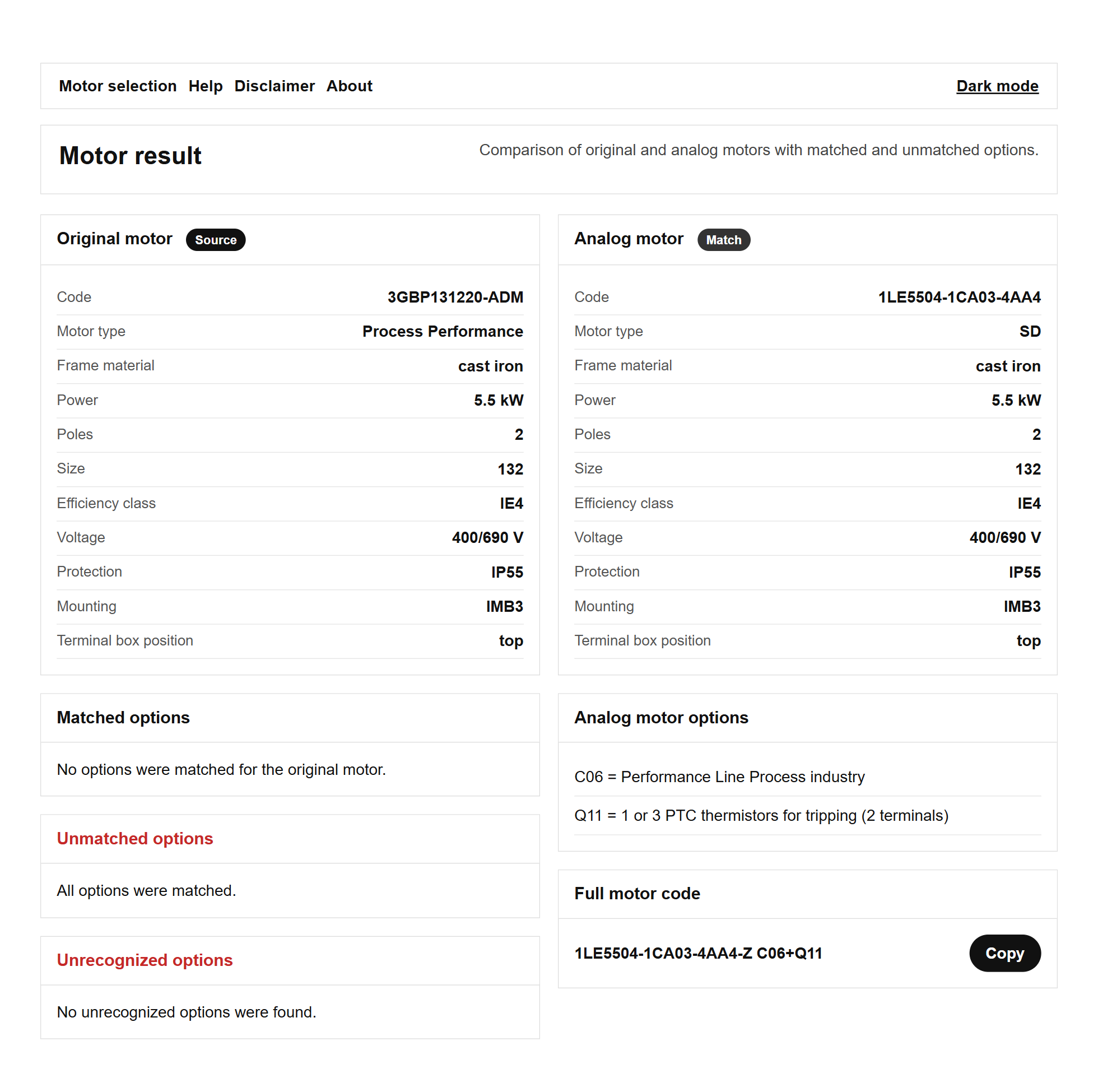
The results above means that the input code and options was processed with a success.
#1 Original motor
This section shows the technical data of the input motor like:
- Code -> motor product / order code
- Motor type -> General Performance, Process Performance, Ex
- Frame material -> aluminum, cast iron
- Power
- Poles
- Size
- Efficiency class
- Voltage
- Protection -> IP class
- Mounting -> IM type
- Terminal box position -> top, right or left (look at D-end)
#2 Matched options
In this section is shown options which has been determined by service as existed and have the same or similar analog or might be transferred in the analog motor code attribute. See more in the help chapter 'Options'.
#3 Unmatched options
In this section is shown options which has been determined by service as existed and do not have the same or similar analog or might not be transferred in the analog motor code attribute. See more in the help chapter 'Options'.
#4 Unrecognized options
In this section is shown options which has not been determined by service as existed.
#5 Analog motor
In this section is shown analog motor data like:
- Code -> motor product / order code
- Motor type -> GP, SD, SD Add, SD Pro, Ex
- Frame material -> aluminum, cast iron
- Power
- Poles
- Size
- Efficiency class
- Voltage
- Protection -> IP class
- Mounting -> IM type
- Terminal box position -> top, right or left (look at D-end)
#6 Analog motors options
In this section is shown matched options with description as well as additionally added options as a=a standard for some motor types. See more help chapter 'Motors'.
#7 Full motor code
This section provides full motor code including MLFB + options. Press button 'Copy' to copy this code.
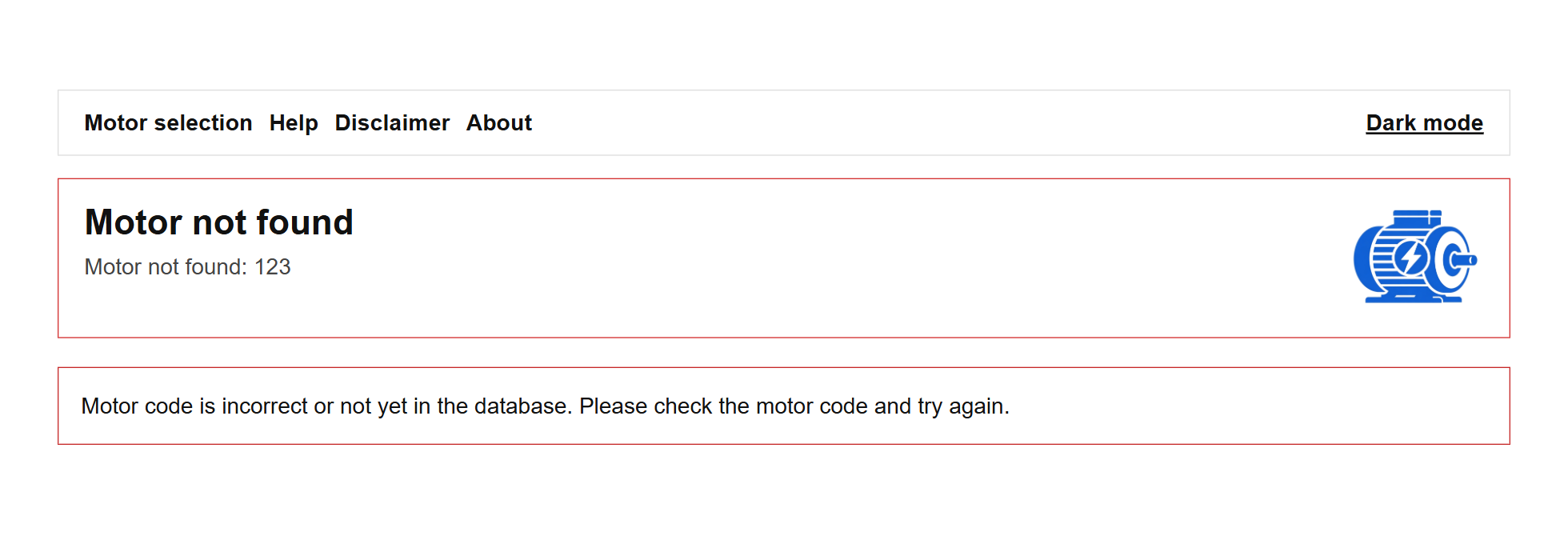
The results on the picture above is shown in case if the input motor code is incorrect or has not been put yet in the database.
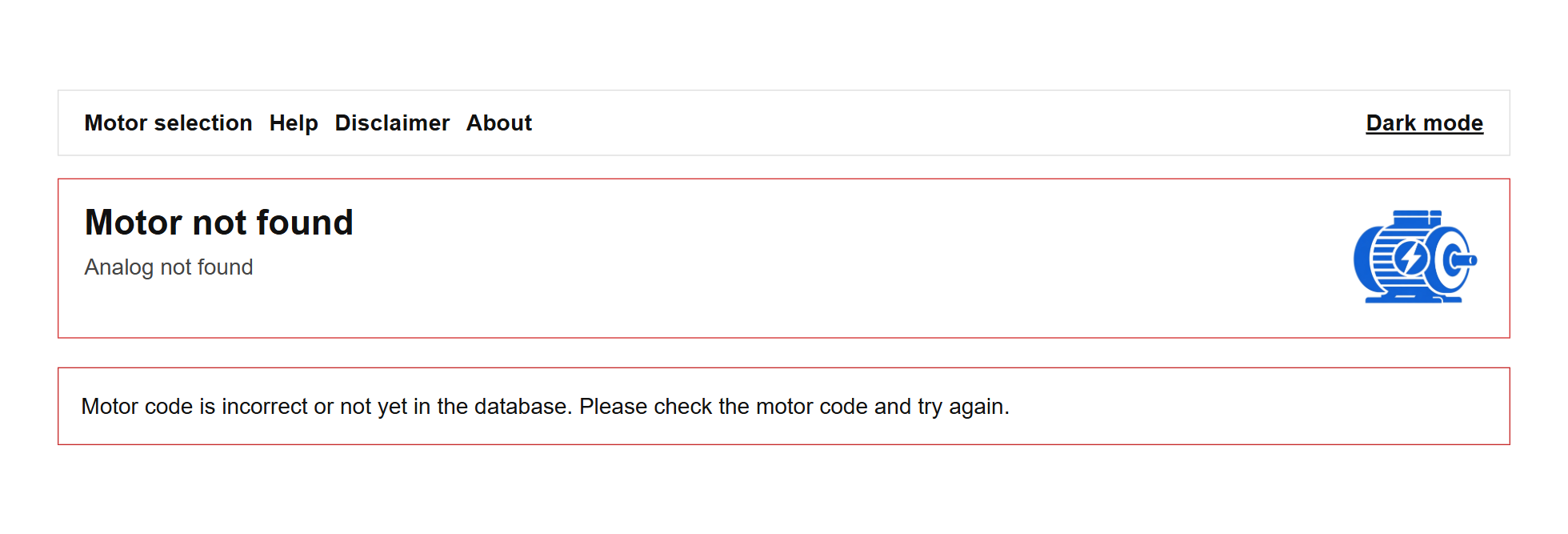
The results on the picture above is shown in case if the input motor code is found but analog is not yet in the database.