
Input data
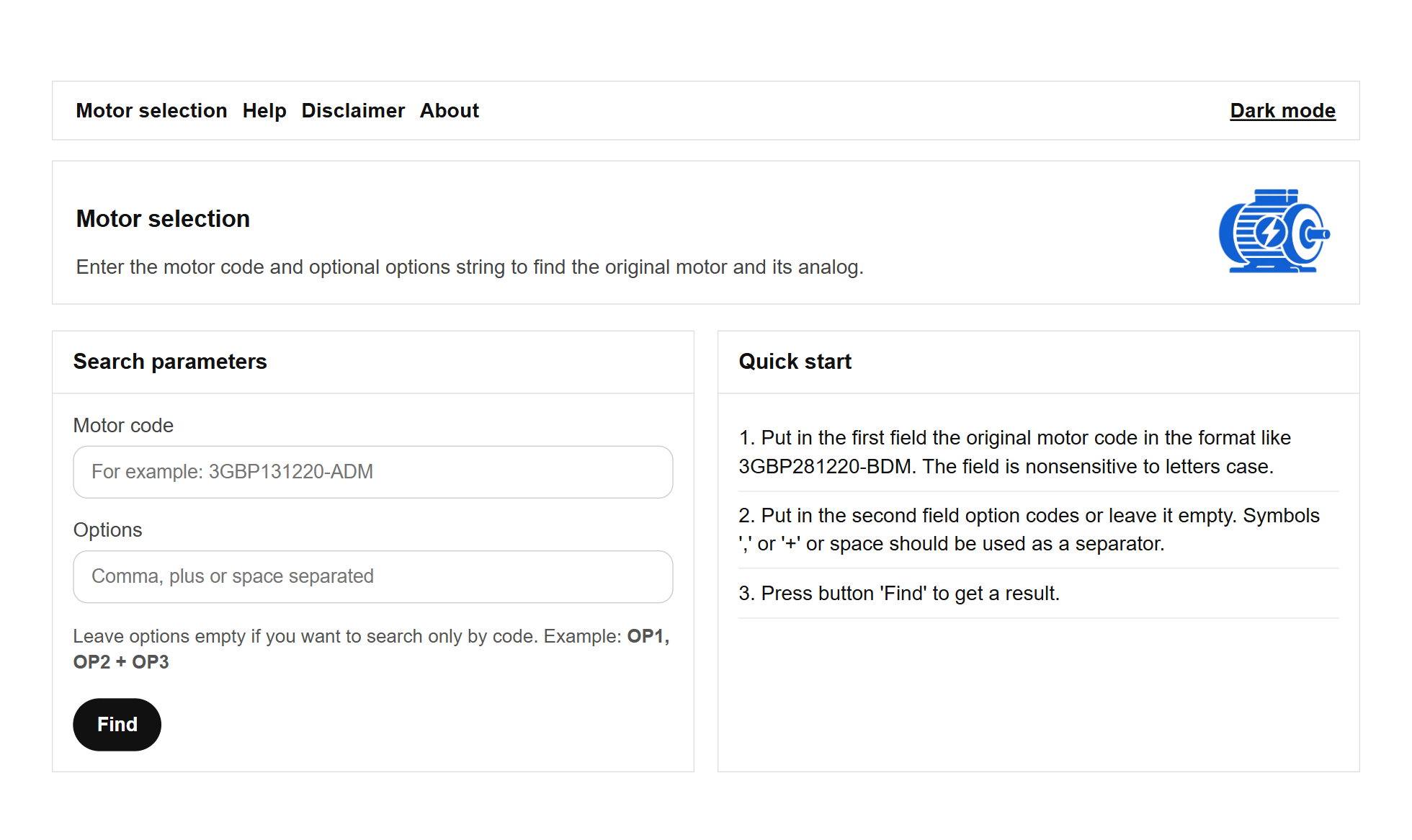
The main view (or Motor Selection view) contains following main sections and fields
#1 Status bar
The status bar section contains following links:
- Motor Selection: main view for put the data
- Help: general information how to use the service
- Disclaimer: information about service liability and limitations
- About: service version, updates, contact
- Dark/Light mode: dark/light mode switcher
#2 Motor code input field
You need to put original motor product code here like: 3GBP131220-ADM. The field is unsensitive to upper/lower case, field cannot be empty.
#3 Motor options input fields
You need to put a list of the options here using as a separator ',' or '+' or space. The field might be empty.
After fields are filled button #4 'Find' should be pressed.
#5 Quick start guide
Short guide how to start